
MULTICOLOR 3D PRINTING
Formridge X4
Imagine it. Print it. Make it yours.
Turn your next idea into something you can hold. Add color to creative projects, make useful little upgrades, and build something that feels like you.
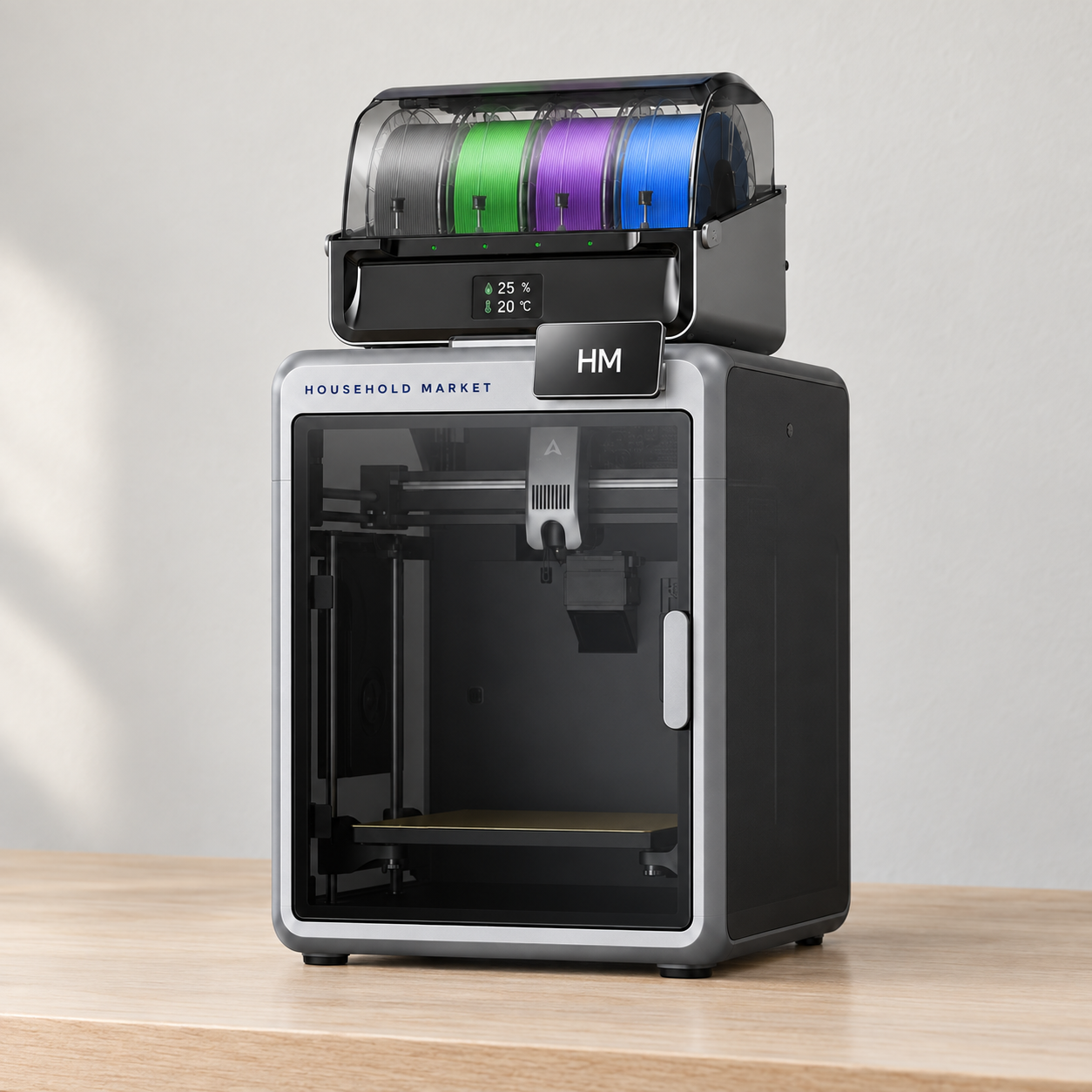
- Print in up to four colors with the included CFS
- A 260 mm build space for small details and bigger ideas
- 95% pre-assembled, with automatic bed leveling
- Keep an eye on your print with the AI chamber camera
More possibilities. Less manual work.
Watch the little details take shape.
The direct-drive extruder feeds filament into the hotend, while the steel X-axis rail supports precise motion. Layer by layer, your design becomes a physical object.
Let the printer change colors.
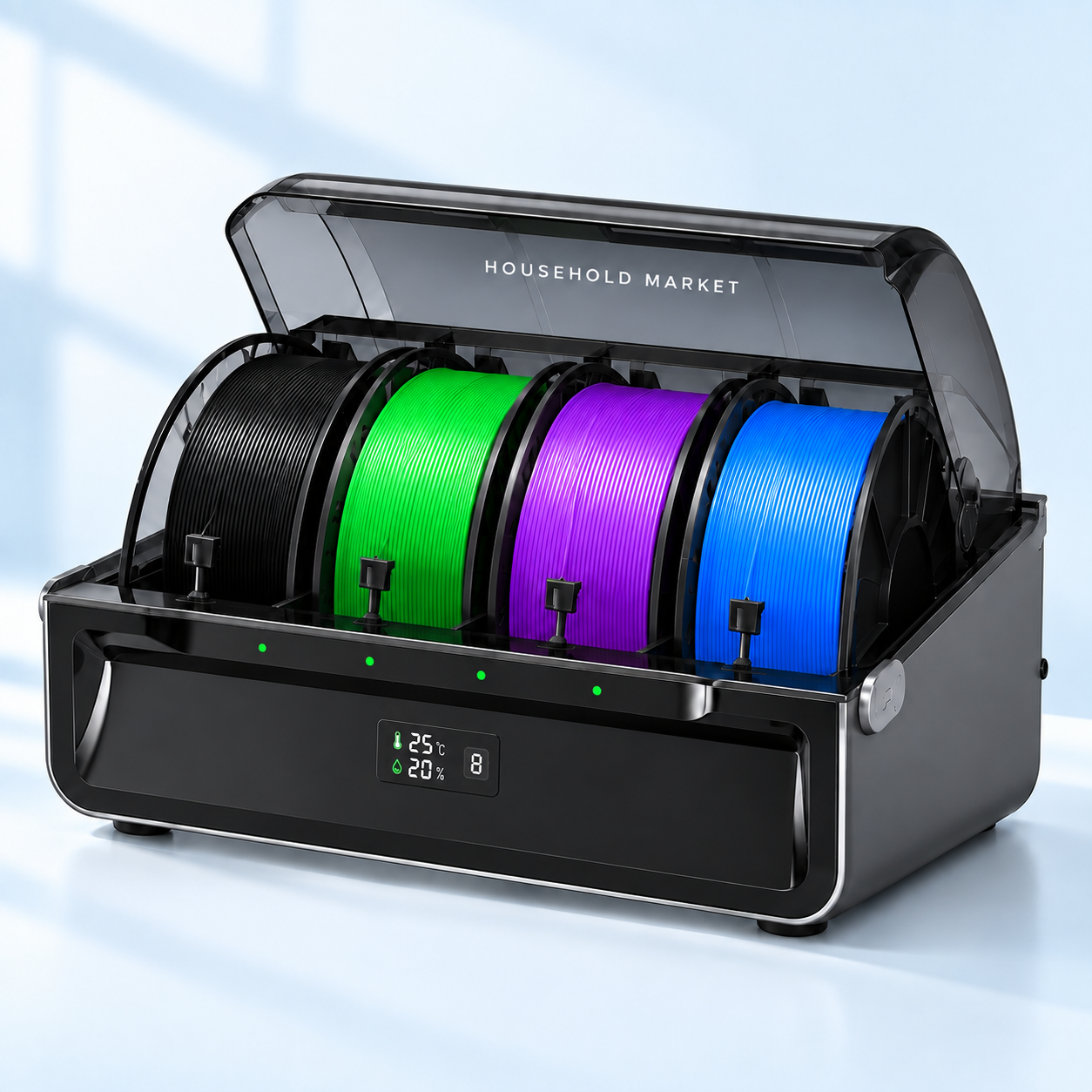
Load your filament into the CFS and assign colors in your print file. Automatic filament switching takes care of the changes during the print.
The setup includes one CFS. Additional units are needed to expand beyond four colors.
Check in on the work in progress.
See the print from your connected device. The chamber camera supports spaghetti detection, build-plate checks and time-lapse capture.
Monitoring helps you spot issues; it does not guarantee a successful print.
Color changes.
Handled for you.
Your ideas can have more than one color. The included CFS makes the changes for you, so you don't have to swap each spool by hand.
 Formridge X4
With the included CFS
Formridge X4
With the included CFS
|
 Manual swaps
A single-spool workflow
Manual swaps
A single-spool workflow
|
|---|---|
| Color changesAutomatic with CFS | Color changesPause and swap by hand |
| Colors loadedUp to 4 at once | Colors loadedOne spool at a time |
| At each changeThe feeder handles it | At each changeYou change the filament |
| Before printingAssign colors in the slicer | Before printingPlan manual pause points |
| Your finished printMulticolor, one print job | Your finished printMulticolor, with manual swaps |
A shorter path to your first print.
Follow the included setup guide, then let the printer handle its automatic calibration.
-
01
Prepare the printer
Unpack, remove the transport protection and fit the touchscreen as directed.
-
02
Connect and load
Connect the CFS and load compatible filament according to the setup guide.
-
03
Calibrate and create
Run the guided calibration, prepare your model in the slicer and start your print.
Room for your next idea.
The useful details, in one place.
BUILD VOLUME
260 × 260 × 260 mmWidth × depth × height of the printable space.
- Configuration
- Formridge X4 printer + 1 CFS
- Printer dimensions
- 404 × 436 × 545 mm
- Maximum print speed
- Up to 600 mm/s
- Maximum acceleration
- 20,000 mm/s²
- Leveling
- Automatic bed leveling
- Extruder
- Direct drive
- Camera
- AI chamber camera
- Connections
- 2.4 GHz Wi-Fi / USB drive
- Built-in storage
- 8 GB
- Build plate
- PEI spring steel
30-DAY MONEY-BACK GUARANTEE
Try it.
Make something great.
Bring that idea you've been saving to life. Your Formridge X4 comes with a 30-day money-back guarantee, so you can choose it with confidence.

BEFORE YOU GET STARTED
A few things worth knowing.
How many colors can it print?
The included CFS has four filament slots, supporting up to four colors in a compatible multicolor print. Up to four CFS units can be connected for a maximum of 16 colors. The additional units are separate accessories.
Does it arrive ready to print?
The printer is 95% pre-assembled. You still need to unpack it, complete the steps in the setup guide, connect the CFS, load filament and run the guided calibration before starting.
Will every print run at 600 mm/s?
No. 600 mm/s is a maximum specification. Actual print speed and completion time depend on the model, material, layer height and slicer settings.
What does the AI camera do?
The chamber camera supports print monitoring, spaghetti detection, build-plate checks and time-lapse capture. It helps you check progress and identify problems; it does not remove the need to follow the operating instructions.
How much space should I allow?
The printer body measures 404 × 436 × 545 mm. This does not include the CFS. Allow additional room for the filament system, connections, opening the door and routine access.
What comes with the printer?
The Formridge X4 setup pairs one enclosed 3D printer with one four-slot CFS for automatic filament switching. Additional CFS units are separate accessories. Decorative objects and example prints shown in the images are project inspiration.
Customer reviews
Imported reviews for this printer. Product names have been updated to our current branding.
Loading reviews…
Reviews could not be loaded. Please try again.
No reviews to display.
out of 5
Ratings breakdown
No reviews match these filters.